
Dicey
Email-based sign-up and later account checks
Dicey Account and Verification
Dicey registration starts with an email address or the option to continue with Google or a passkey, followed by an emailed verification code. The published sign-up sequence does not include document upload, but Dicey may later request government-issued ID, proof of address, or other information for identity and regulatory checks.
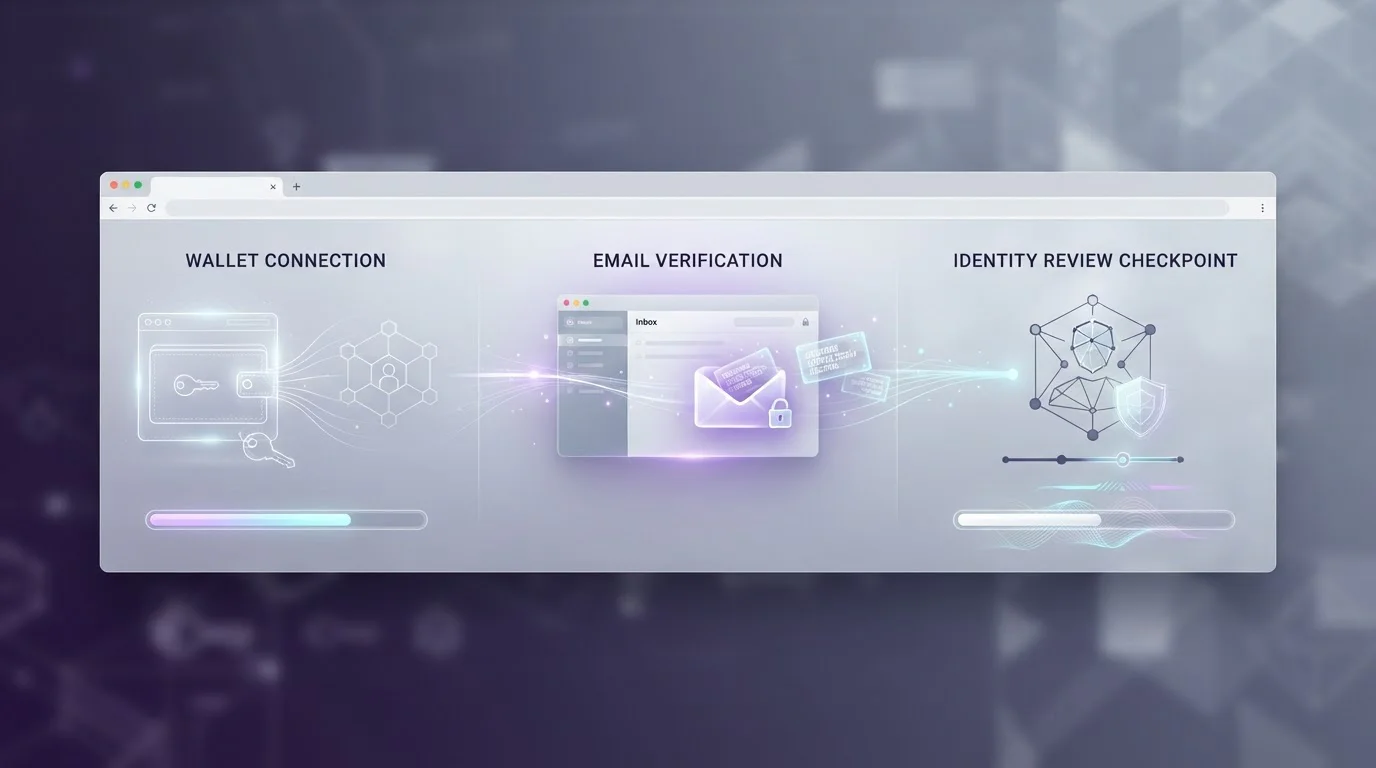
Dicey starts with email, Google, or passkey plus an email code
Dicey’s published sign-up flow starts with an email address or a choice of Google or passkey. An emailed code confirms the account, after which the user chooses a username, betting-activity visibility, referral-code option, and communication preferences. Identity documents can still be requested later under Dicey’s verification policy.
- Sign-up optionsEmail, Google, passkey
- Email stepCode confirmation
- Document uploadNot listed in sign-up steps
- Later checksCan be requested
The first sign-in step and later compliance review are different processes. Email, Google, or passkey can establish account access, while an identity review may ask for government-issued identification, proof of address, or additional information before account activity can continue.
Account access and identity verification are separate layers. Completing sign-up does not prevent an identity request from appearing later.
For the money-moving side of the account, the Dicey payments guide maps the supported tokens and network routes. Account credentials control access, while wallet addresses and blockchain networks control how crypto reaches or leaves the balance.
The account sequence has four distinct stages
The cleanest way to understand Dicey’s account flow is as a sequence rather than a single sign-up event. The early steps are light, while later checks depend on what happens after the account is already in use.
- Choose a sign-up route. Enter an email address or continue with Google or a passkey.
- Confirm the email. Enter the verification code sent to the account email.
- Finish account preferences. Choose a username, betting-activity visibility, referral-code option, and communication preferences.
- Respond to later checks if requested. Dicey may ask for identity documents, proof of address, or additional information.
Sign-up route
Email, Google, or passkey starts account access.
Email confirmation
An emailed code confirms the sign-up flow.
Identity check
Government ID, proof of address, or additional information can be requested later.
Mobile access
Runs through the mobile browser; no dedicated native app is listed.
The sequence matters because the absence of a document-upload step during registration does not define what may be requested later. Dicey’s identity policy allows additional verification when required for regulatory or security purposes.
Later identity checks can still follow a light sign-up
Dicey’s published registration steps do not include an identity-document upload, but the platform states that it may request government-issued ID, proof of address, and additional information. Transaction reviews can also involve extra verification, particularly for larger transactions or certain account circumstances.
What the initial flow keeps simple
- Email, Google, or passkey can be used to begin registration.
- An emailed code is used to confirm the account.
- Identity-document upload is not listed in the standard sign-up sequence.
What can still happen later
- An identity request can appear during withdrawal review.
- Other risk triggers can lead to additional checks.
- A previously active account can therefore face a new verification step.
Dicey’s own verification policy allows identity and address documents to be requested, and its transaction guidance notes that larger transactions or certain accounts can require additional verification steps. A completed sign-up therefore should not be treated as a promise of document-free withdrawals.
If privacy is a deciding factor, plan around the possibility of an identity request before depositing. A later check can arrive after funds are already on the account, which is a materially different experience from an upfront verification step.
Withdrawals are where account checks matter most
A withdrawal combines two systems: account review and blockchain transfer. Dicey’s cashouts are described as fast on-chain overall, but that speed starts to matter only after the account-side process has cleared. If a verification request appears first, the blockchain is not yet the bottleneck.
| Account stage | What Dicey asks for | When extra checks may appear |
|---|---|---|
| Initial access | Email, Google, or passkey | Email confirmation follows |
| Account setup | Verification code and account preferences | Document upload is not listed in the standard sign-up steps |
| Routine use | Normal account access | Additional verification can be requested |
| Withdrawal | Cashout request to the selected crypto route | An ID check can be requested before release |
The Dicey withdrawals guide separates minimum amounts, network routing, blockchain confirmations, fees, and possible account review into distinct checkpoints. That separation is useful when a cashout feels slow: first identify whether the transaction is still inside the account workflow or has already moved on-chain.
Keep account messages and any transaction hash until a withdrawal is complete. If no hash exists yet, the transfer may still be inside the account-side process rather than waiting on blockchain confirmations.
Mobile access stays in the browser
Dicey does not list a dedicated native mobile app. Access is through the mobile web experience, so the same email, Google, or passkey account options apply in a browser rather than through a separate app installation.
The browser is the access layer
There is no separate native-app account path to learn. On mobile, the practical focus remains the browser session, account credentials, email access, and any wallet used for deposits or withdrawals.
Wallet handling matters on small screens
When an external wallet opens in a separate app or browser context for a payment, check the destination carefully before approving the transaction. Switching between apps can make it easier to overlook an address or network mismatch.
Verification can still interrupt the flow
Mobile access does not change the account policy. A later identity request can still appear even if the initial registration steps were completed entirely in a browser.
A prepared account is easier to review
The most useful preparation is not complicated. It is about keeping the account, email, payment-wallet, and withdrawal details internally consistent so that a later review does not begin with avoidable mismatches.
- Use an email address you can continue to access after sign-up.
- Keep control of any external wallet used for deposits or withdrawals.
- Match the withdrawal asset and network to the receiving wallet before submission.
- Be ready to respond if Dicey requests an identity check on a withdrawal or another risk trigger.
- Do not assume a friction-light opening process guarantees a friction-free cashout.
The broader Dicey review puts this account model alongside games, payments, mobile access, and independent trust signals. The separate License section is also available from the site navigation.
Email access remains important after registration because the initial account confirmation uses an emailed code, and support may need to establish account ownership if access is lost. Dicey states that an account can be locked while an email-change request is being resolved and that verification must be completed before the address is updated. Keeping the registered email secure therefore affects both ordinary sign-in continuity and recovery if the original mailbox becomes unavailable.
Questions about Dicey accounts
How do I sign in to Dicey?
Dicey lets users start with an email address or continue with Google or a passkey, then confirms the account with an emailed verification code.
Does Dicey require KYC at sign-up?
The standard sign-up steps do not list an identity-document upload, but Dicey can request ID verification later during account or transaction review.
Can Dicey ask for ID when I withdraw?
Yes. Dicey may request identity documents or other information during account or transaction review, so completing registration does not guarantee a document-free cashout.
Does Dicey have a mobile app?
No dedicated native app is listed. Dicey is available through the mobile browser.
Does simple sign-up make a Dicey account anonymous?
No. Dicey may request identity and address documents later, and account access does not guarantee anonymous use.
Read next
- Plan a Dicey withdrawal
- Coins, networks, and payment limits
- Return to the Dicey review
- Open the Dicey License section
Dicey keeps entry light while leaving room for later checks
Dicey’s account flow is straightforward at the start: use email, Google, or passkey, confirm the emailed code, and complete account preferences. Mobile access follows the same browser-based model rather than a dedicated native app.
The trade-off is that identity verification can still appear later, particularly around withdrawals or other risk triggers. Treat the light onboarding as an account-access feature, not as a guarantee of permanent anonymity or document-free cashouts.
Written by the editors at Dicey.